Built for music bands

All your band info, finally in one place

Bandger brings rehearsals, gigs, setlists, files, technical details, and finances into one shared workspace. Less info lost in chat before rehearsal or gig day.

Free plan available · Web and mobile · Invite your band in minutes

Band overview

Before Bandger

Before rehearsal or gig day, finding info becomes a time sink

Chat threads, Drive folders, personal notes, PDFs, and spreadsheets all exist, but none are connected. You lose time and miss useful details.

  • Who is available, and when?
  • Which setlist version are we playing?
  • Where is the stage plot and rider?
  • Who paid what, and what still needs settling?

With Bandger

Every detail stays tied to the right context

A rehearsal or gig becomes one shared source of truth where logistics, songs, files, technical prep, and finances live together.

  • Each date keeps availability, schedule, venue, and linked setlist together
  • Each song keeps lyrics, key, BPM, and files on one page
  • Technical prep stays with the right show instead of getting lost in chat
  • Band finances are shared in the same workspace

Product view

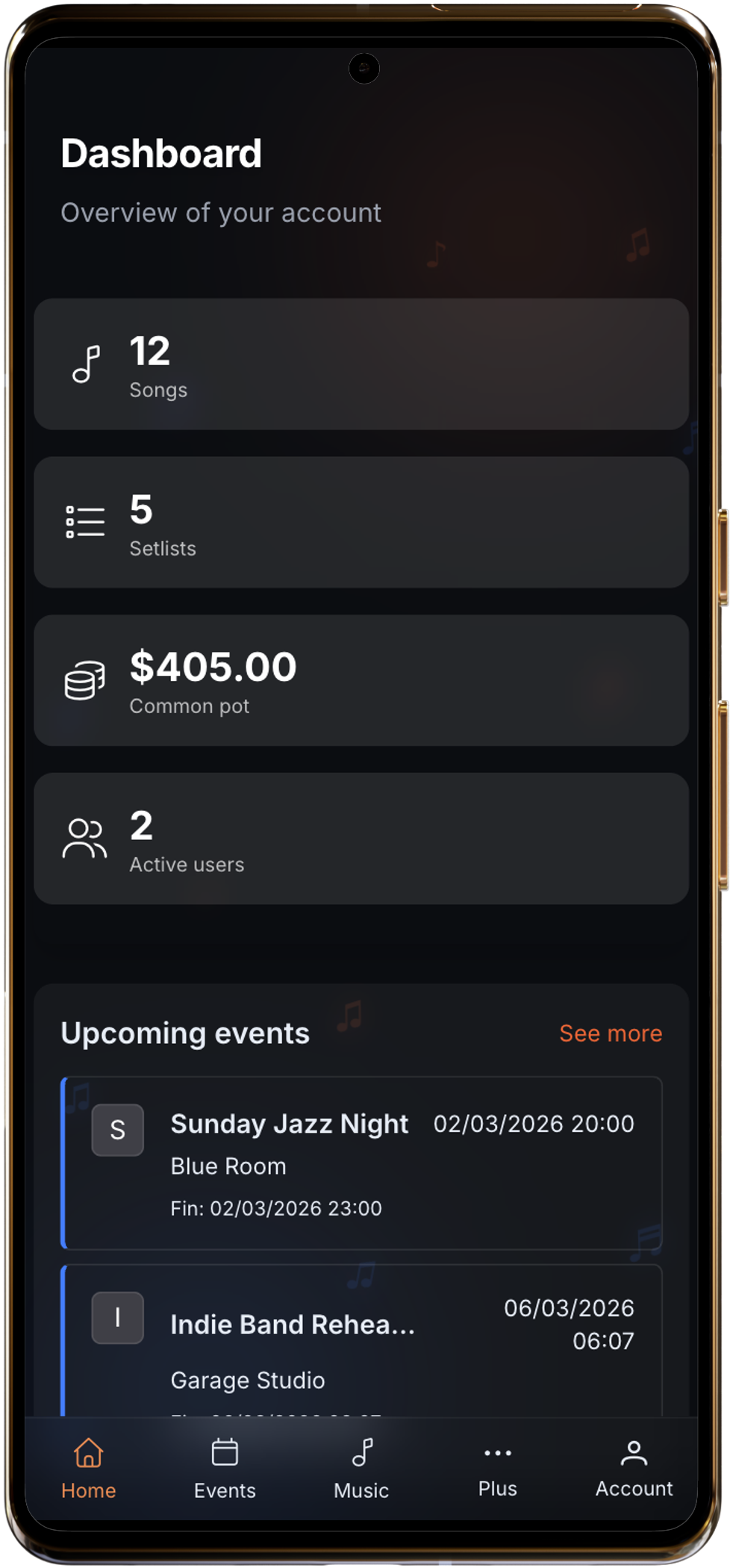
What your band actually keeps in Bandger

Three useful screens to prepare rehearsals and gigs without chasing scattered details.

Band overview

Watch Demo

Watch the 2-minute demo

Need a guided view? The 2-minute demo is right below.

Video Demo Thumbnail
2:00

What changes day to day

4 areas where bands save time

Setlists, songs, dates, and finances: the essentials that prevent last-minute misses.

Browse all features

Setlists ready for the stage

Build the running order, transitions, and notes, then share one clean version at the right moment.

Learn More

Songs easy to find

Lyrics, key, BPM, arrangement, and files stay together on one song page.

Learn More

Rehearsals and gigs

Each date keeps schedule, venue, availability, contacts, and linked setlist together.

Learn More

Band finances

Track expenses, payouts, reimbursements, and balances in one shared space.

Learn More

Set up your band in a few steps

No need to migrate everything at once. Start with one date or a few songs.

Step 1

Create your band workspace

Invite the members who need the right info in one place.

Step 2

Add one rehearsal or gig

Attach the setlist, contacts, and useful documents to that date.

Step 3

Centralize as you go

Songs, technical details, and finances naturally stay in context.

These tools help, but they do not connect band information together

Each tool is useful on its own. But for rehearsals and gigs, information gets scattered quickly.

WhatsApp

Good for

Quick group communication

Limit for bands

Finding one precise detail three weeks later gets painful.

Drive

Good for

Storing and sharing files

Limit for bands

You lose the link to the exact gig, setlist, or song context.

Sheets

Good for

Tracking numbers

Limit for bands

Hard to connect with actual band life: dates, songs, and technical prep.

Bandger

Good for

Running the band day to day

What Bandger adds

Dates, songs, files, technical details, and finances stay connected in one shared workspace.

You can keep your usual tools. Bandger is mainly there to keep the right information together, in the right place.

Who is this for?

In practice, mostly for bands that need to find the same information quickly.

  • Bands that rehearse regularly
  • Bands that play live gigs
  • Bands that want to stop running everything through chat

Trust

Already used to keep band information in one place

bands
users

Start with what is already costing you time

No need to activate everything on day one. Pick the most urgent pain point and build from there.

Browse all guides

Try Bandger on your next rehearsal or your next gig

Create the band workspace, add one date or a few songs, then see in real use if you spend less time digging through chats and scattered files.

Free plan available · Quick setup · Works on mobile too